Wide Axis Apex
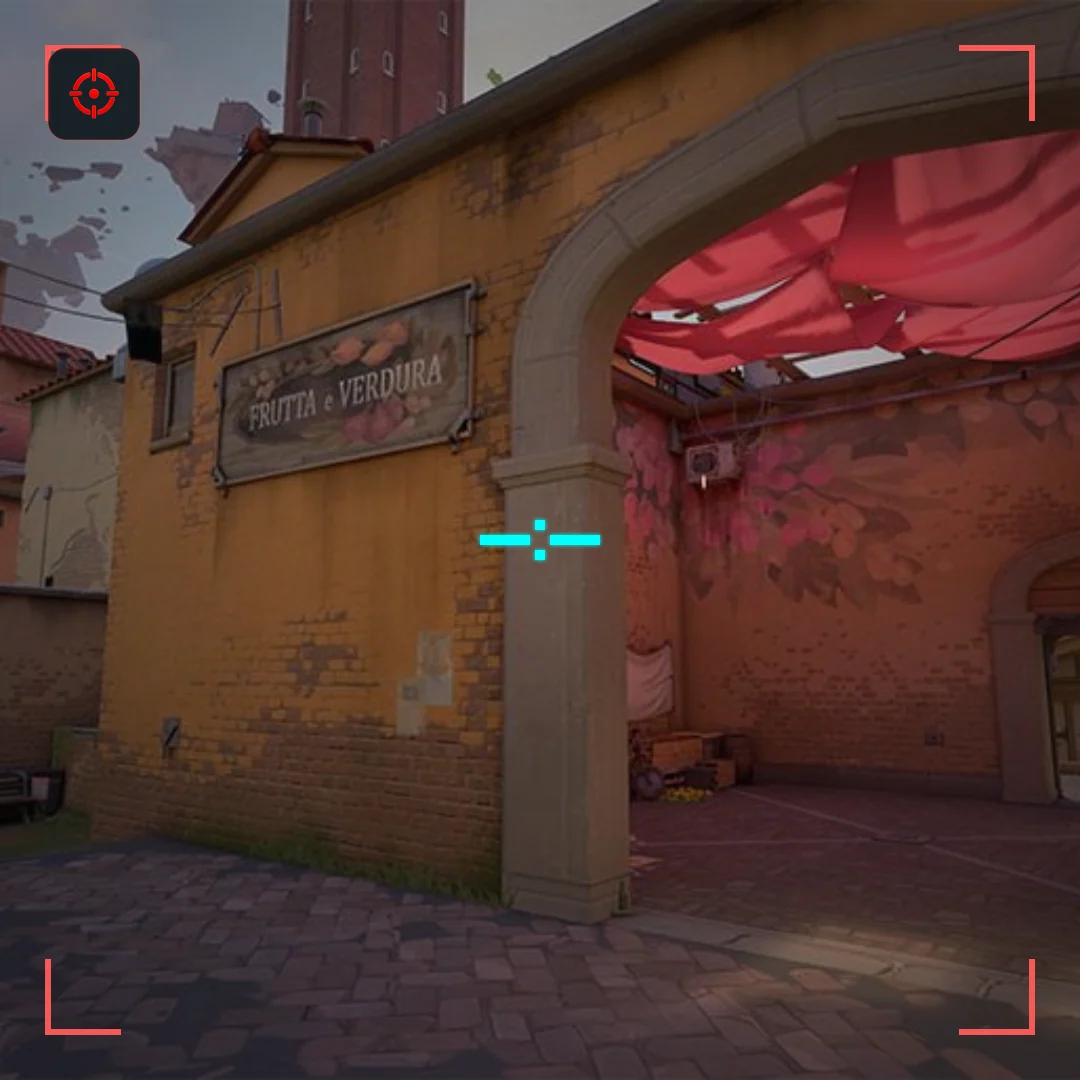
Crosshair code
0;P;c;5;h;0;o;1;t;1;d;0;a;1;z;2;0b;1;0a;1;0l;5;0t;1;0o;1;0m;0;0f;0;1b;0;1a;1;1l;0;1t;1;1o;0;1m;0;1f;0;0g;1;0v;1A wide crosshair and a stretched screen can look similar in a clip, but they are not the same setting.
For a wider crosshair only, adjust horizontal and vertical line lengths independently or copy a wide code. A crosshair code does not set screen resolution, stretch enemy models or reproduce another player’s monitor setup.
0;P;c;5;h;0;o;1;t;1;d;0;a;1;z;2;0b;1;0a;1;0l;5;0t;1;0o;1;0m;0;0f;0;1b;0;1a;1;1l;0;1t;1;1o;0;1m;0;1f;0;0g;1;0v;1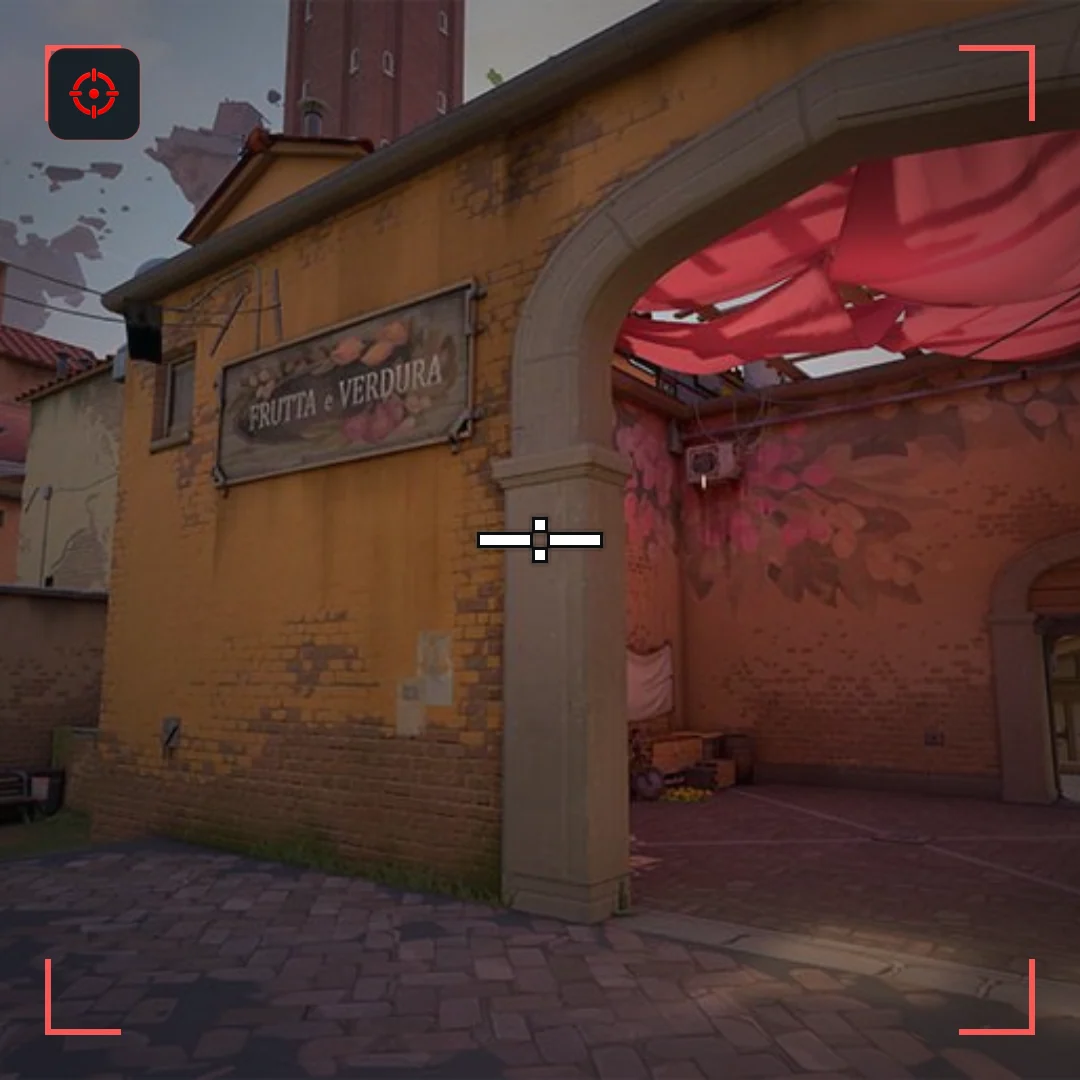
0;P;c;0;h;1;o;1;t;1;d;0;a;1;z;2;0b;1;0a;1;0l;5;0t;1;0o;1;0m;0;0f;0;1b;0;1a;1;1l;0;1t;1;1o;0;1m;0;1f;0;0g;1;0v;1If you want longer left and right arms, change the crosshair geometry. If the entire recorded image looks stretched, inspect display and video scaling separately. Do not assume a creator’s wide-looking screenshot reveals their original in-game settings.
In the game’s crosshair settings, unlink horizontal and vertical inner-line lengths with the chain icon. Increase the horizontal length while keeping a short vertical reference. Start by comparing length 6 horizontally and 2 vertically at thickness 1 or 2; this is a starting experiment, not a required competitive preset.
Keep your normal resolution and display mode. Compare the new shape with a balanced plus at normal scale, on a distant head and a doorway edge. If the horizontal arm masks the edge, shorten it. A large website preview is useful for inspecting structure, not for deciding final in-game visibility.
The code carries crosshair settings, not desktop scaling or recording settings. A pure center dot also does not have separate inner-line arms to stretch: changing line length only matters if those lines are enabled. Use the decoder to inspect the profile, and avoid third-party display hacks just to copy a visual style.
No. Independent line lengths create a wide shape at your normal resolution.
No. Crosshair settings do not change enemy model size or hitboxes.