Tejo
Scout with a stealth drone, stun a corner and guide missiles onto enemy positions. Try a gold targeting reticle with long horizontal rails and a center dot.
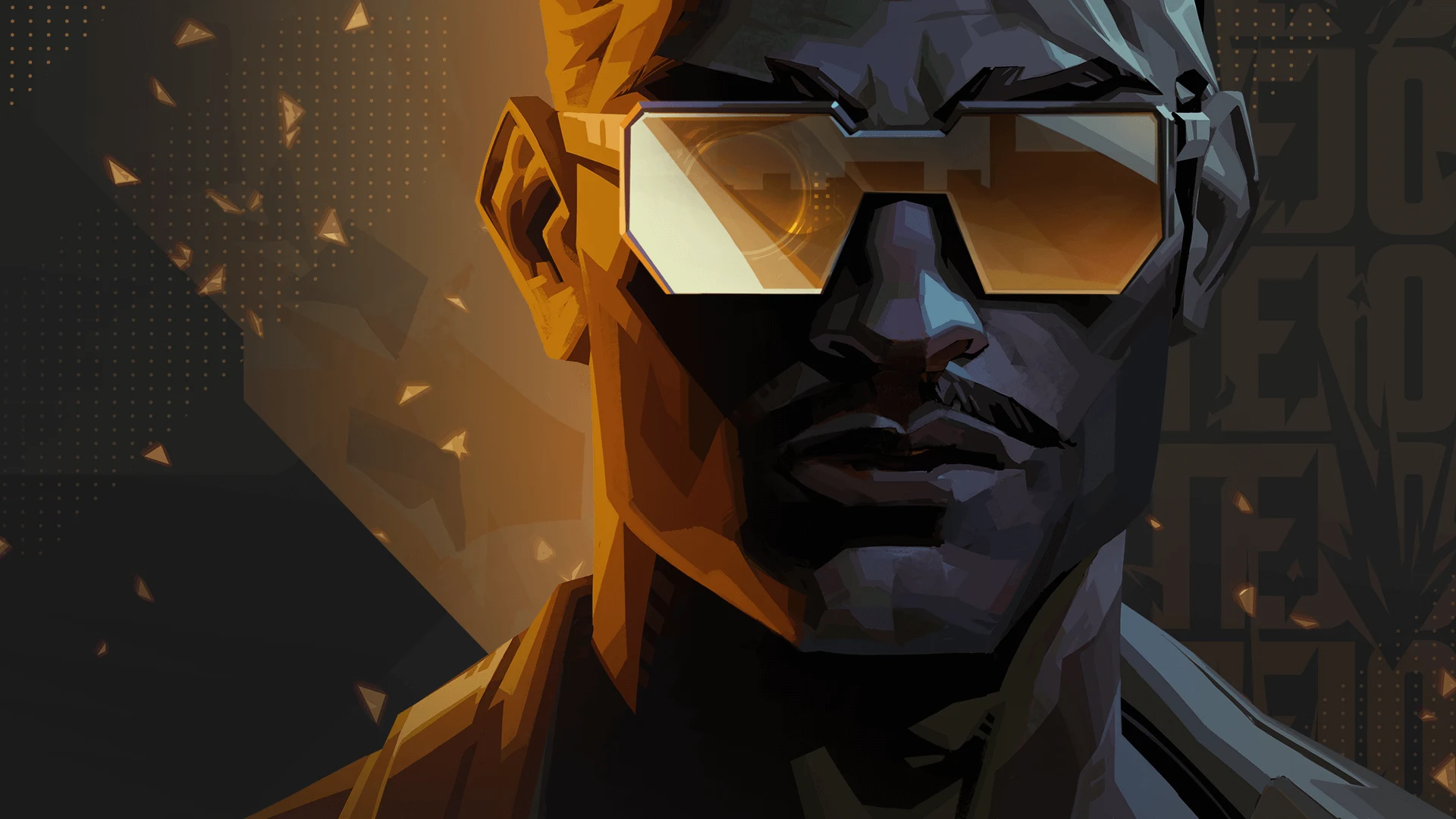 Watch abilities
Tejo abilities
Stealth Drone
 C
CPilot a drone and pulse to reveal and suppress enemies.
Press C, then left-click to deploy and control the drone. Left-click again to pulse. Stay protected while piloting.
Special Delivery
 Q
QA sticky grenade concusses targets in its blast.
Press Q and left-click to stick the grenade to the first surface. Right-click for a single bounce to reach around a corner.
Guided Salvo
 E
EGuided missiles explode at selected map locations.
Press E. Left-click to select available targets, then right-click to launch. Check your remaining charges before committing.
Armageddon
 X
XA wave of explosions follows a path you choose.
Press X. Left-click for the start, then left-click for the end to launch. Right-click while targeting to cancel the start point.
Watch all four abilities
Meet Tejo
Tejo is a veteran intelligence consultant from Colombia. He uses information and targeted explosives to force opponents out of cover.
His high-tech sunglasses connect him to his drone and targeting system. The official gameplay reveal shows how he creates space for teammates.
Tejo · Official gameplay revealTejo in pictures
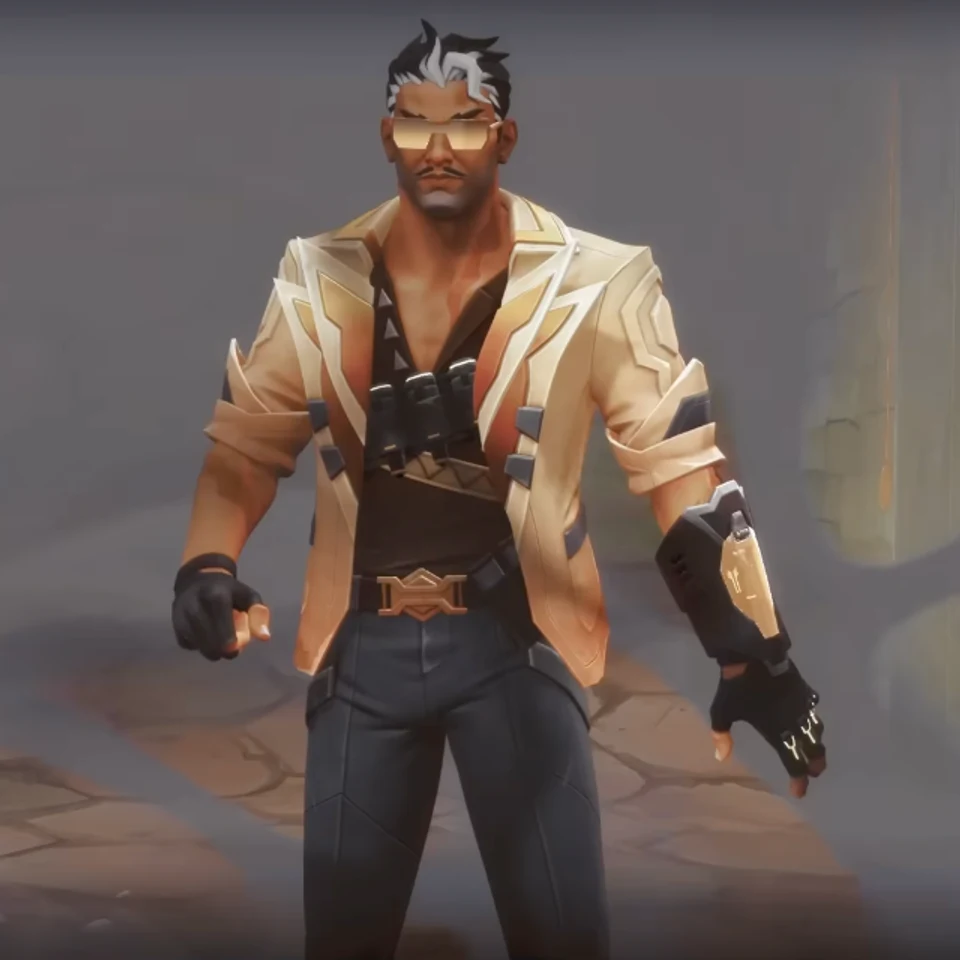
About Tejo
Origin: Colombia · Role: Initiator
Gather information before choosing missile targets. Coordinate the explosions with teammates who can take the space; Tejo has no flash to cover their entry.
Tejo-inspired crosshair code
Long gold horizontal rails flank a small center dot, with tiny inner vertical ticks and four separate square guide marks outside. The dot anchors your aim while the rails give a wide reference; they cover more of the view than a plain dot.
0;P;c;8;u;FFC76BFF;h;1;o;0.7;t;1;d;1;a;1;z;2;0b;1;0a;1;0l;8;0t;1;0o;3;0m;0;0f;0;1b;1;1a;1;1l;1;1t;2;1o;12;1m;0;1f;0;0g;1;0v;1In VALORANT, open Settings → Crosshair → Import Profile Code. Paste the copied code and select Import.
Customize this crosshairBrowse more crosshairs