Harbor
Shape a water wall, place a shielded smoke and push with a surge. Try a tall turquoise crosshair with a narrow open center.
 Watch abilities
Harbor abilities
Storm Surge
 C
CThrows a whirlpool that nearsights and slows enemies after a short delay.
Press C, then left-click to throw. Follow up with a teammate after it bursts.
High Tide
 Q
QDraws a vision-blocking water wall; anyone crossing it is slowed.
Press Q, then left-click to send the wall. Hold left-click to curve its path; right-click to stop it early.
Cove
 E
EPlaces a water smoke that can be shielded to block bullets.
Press E to aim. Hold left-click to move the marker farther, right-click to bring it closer; R switches the targeting view. Activate to place, then press E again to add the destructible shield.
Reckoning
 X
XSends a water surge forward, nearsighting and slowing enemies it hits.
Press X, then left-click to release. Press X again to stop the wave in place; advance with your team while it cuts off space.
Watch all four abilities
Meet Harbor
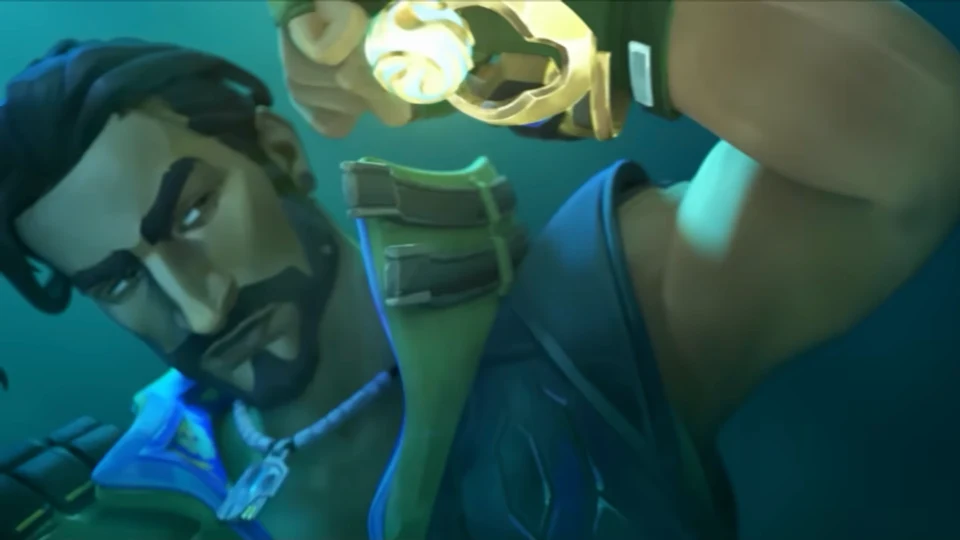
Harbor comes from India’s coast and uses an ancient artifact to control water. His walls and waves help allies cross exposed ground.
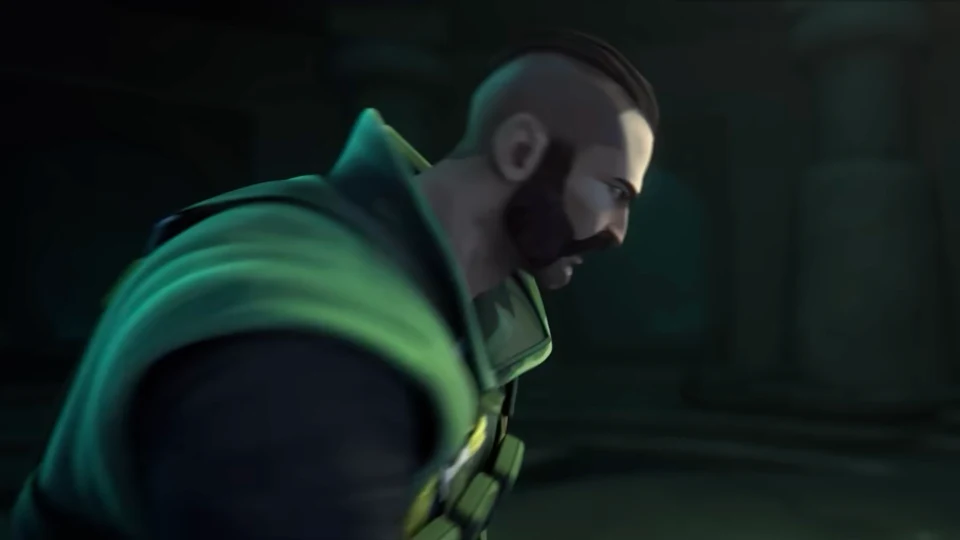
The official TURN THE TIDES trailer follows his escape by motorcycle and the artifact that puts water at his command.
TURN THE TIDES · Harbor agent trailerHarbor in pictures
About Harbor
Origin: India · Role: Controller
Use High Tide to divide sightlines and Cove to cover a crossing. The smoke needs a second activation to gain a shield, which enemies can destroy. Storm Surge and Reckoning help your team push into the space beyond.
Harbor-inspired crosshair code
Four turquoise blocks form a tall, hollow frame: long vertical bars and short horizontal marks. The open center leaves the target visible; the tall outline occupies more space above and below it.
0;P;c;8;u;61E4D1FF;h;1;o;0.7;t;1;d;0;a;1;z;1;0b;1;0a;1;0l;1;0t;4;0o;3;0m;0;0f;0;1b;0;1a;1;1l;1;1t;1;1o;12;1m;0;1f;0;0g;1;0v;7In VALORANT, open Settings → Crosshair → Import Profile Code. Paste the copied code and select Import.
Customize this crosshairBrowse more crosshairs