Deadlock
Stop a push with nanowires, then take the fight. Watch Deadlock’s four abilities and try a white barrier-style crosshair.
 Watch abilities
Deadlock abilities
BARRIER MESH
 C
CCreates barriers that stop characters from moving through them.
Press C and left-click to throw. The disc creates barriers on landing; bullets can pass through, so hold an angle behind them.
SONIC SENSOR
 Q
QConcusses an area when it detects enemy footsteps, gunfire or other loud sounds.
Press Q and left-click to place on a surface. Use it where enemies are likely to run or shoot; quiet movement can pass without triggering it.
GRAVNET
 E
EForces caught targets to crouch and move slowly until they remove the net.
Press E; left-click to throw or right-click to lob. It bursts on landing. Follow up while the target is slowed; this is your recharging signature ability.
ANNIHILATION
 X
XCocoons the first enemy hit and pulls them along a nanowire path.
Press X and left-click to fire. The target dies at the end of the path unless freed; enemies can shoot the cocoon to break it.
Watch all four abilities
Meet Deadlock
Deadlock is a Norwegian Sentinel who uses nanowires to interrupt a push. Her barriers block movement while her sensor punishes noisy entries.
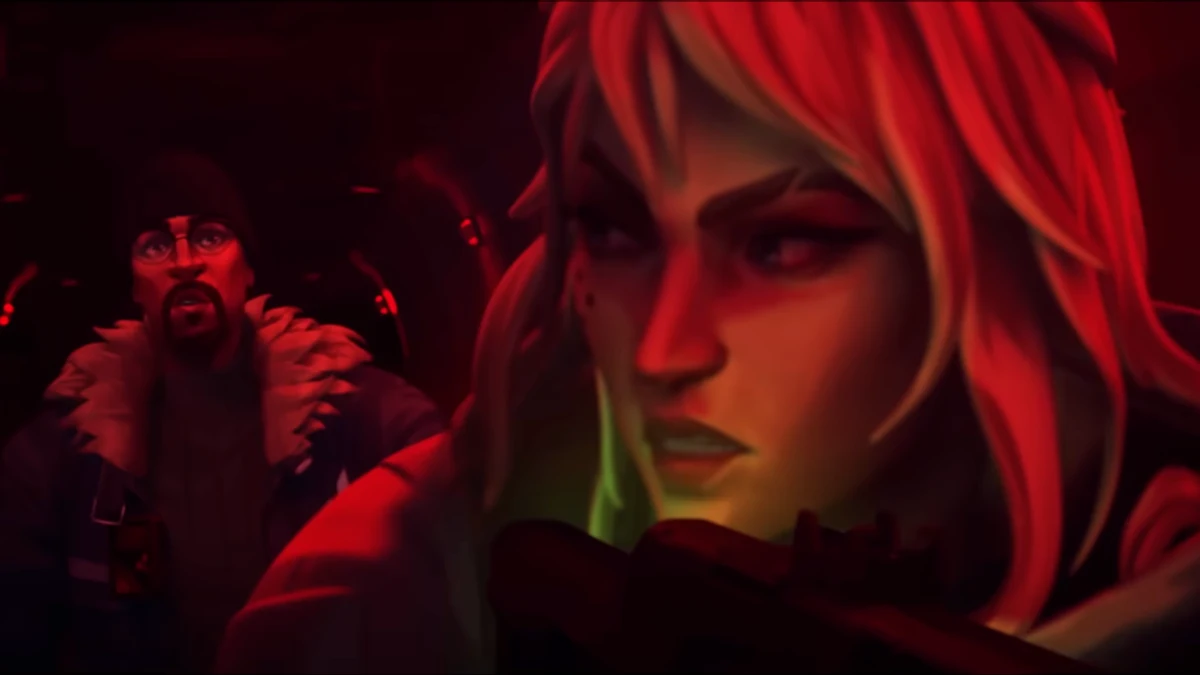
The official UNMADE cinematic follows her mission in a remote facility, where a dangerous encounter changes her life.
UNMADE · Episode 7 cinematicDeadlock in pictures

About Deadlock
Origin: Norway · Role: Sentinel
Place the sensor where an enemy will make noise, then use the barrier to delay their approach. Follow a GravNet catch with a peek or a teammate’s ability. The barrier does not stop bullets.
Deadlock-inspired crosshair code
Two thin white vertical rails meet short, wide blocks on the left and right. The center stays open with no dot. The rails help line up your shot; the side blocks cover more of the target.
0;P;c;8;u;E7F3E8FF;h;1;o;0.7;t;1;d;0;a;1;z;1;0b;1;0a;1;0l;0;0t;1;0o;2;0m;0;0f;0;1b;1;1a;1;1l;2;1t;5;1o;4;1m;0;1f;0;0g;1;0v;7;1g;1;1v;0In VALORANT, open Settings → Crosshair → Import Profile Code. Paste the copied code and select Import.
Customize this crosshairBrowse more crosshairs