VALORANT crosshair codes without outlines
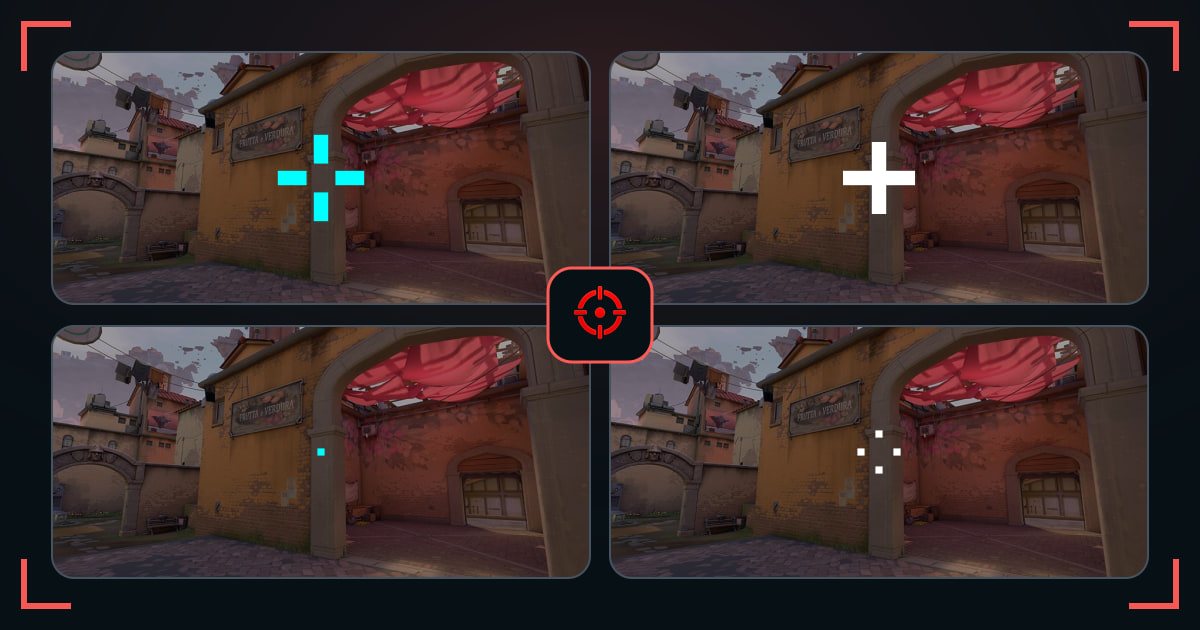
Try clean dots and crosses without a dark border, then test whether their color alone stays visible.
TenZcNedNeedleMicro Gap BoltMicro Gap DriftMicro Gap FluxMicro Gap GhostMicro Gap JoltMicro Gap LynxMicro Gap NovaTap Dot ApexTap Dot BoltTap Dot EchoTap Dot GhostTap Dot JoltTap Dot LynxTap Dot NovaCompact Cross ApexCompact Cross EchoCompact Cross GhostCompact Cross JoltCompact Cross LynxOpen Cross ApexOpen Cross Drift
Removing outlines keeps each line at its true thickness and can make a compact crosshair feel sharper. The cost is weaker contrast on bright or similarly colored walls.
Use a strong color before adding more geometry. Cyan, green, or red may remain readable without the extra border.
How these crosshairs were selected
Every code has outlines disabled. The grid includes open, closed, thin, and dot-based layouts so you can compare clean edges across shapes.
What to check before you copy
- Use full opacity and a contrasting color.
- Test both a bright wall and a dark corner.
- Add an outline only if color changes do not fix visibility.
Common questions
Are no-outline crosshairs better?
They look cleaner and thinner, but they are only better when the center remains visible.
Which color works best without outlines?
Cyan and green are reliable first tests; red can work well on cooler map surfaces.